

The Natgen app
Your Natgen investments, in your pocket.
View your portfolio, access investment updates and keep important documents close at hand with the Natgen app.
Scan with your iPhone to download.
Available on the Apple App Store.
See what's inside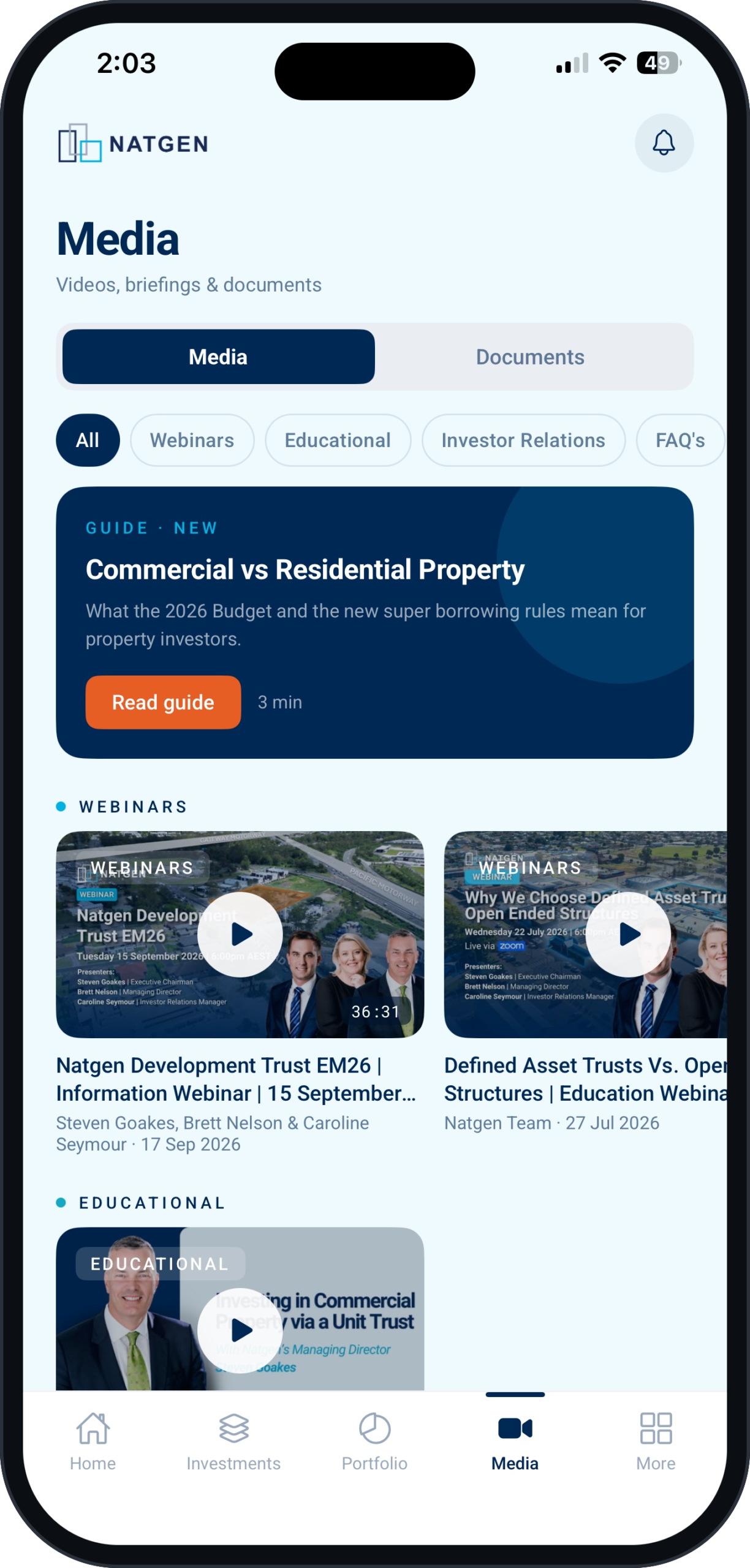
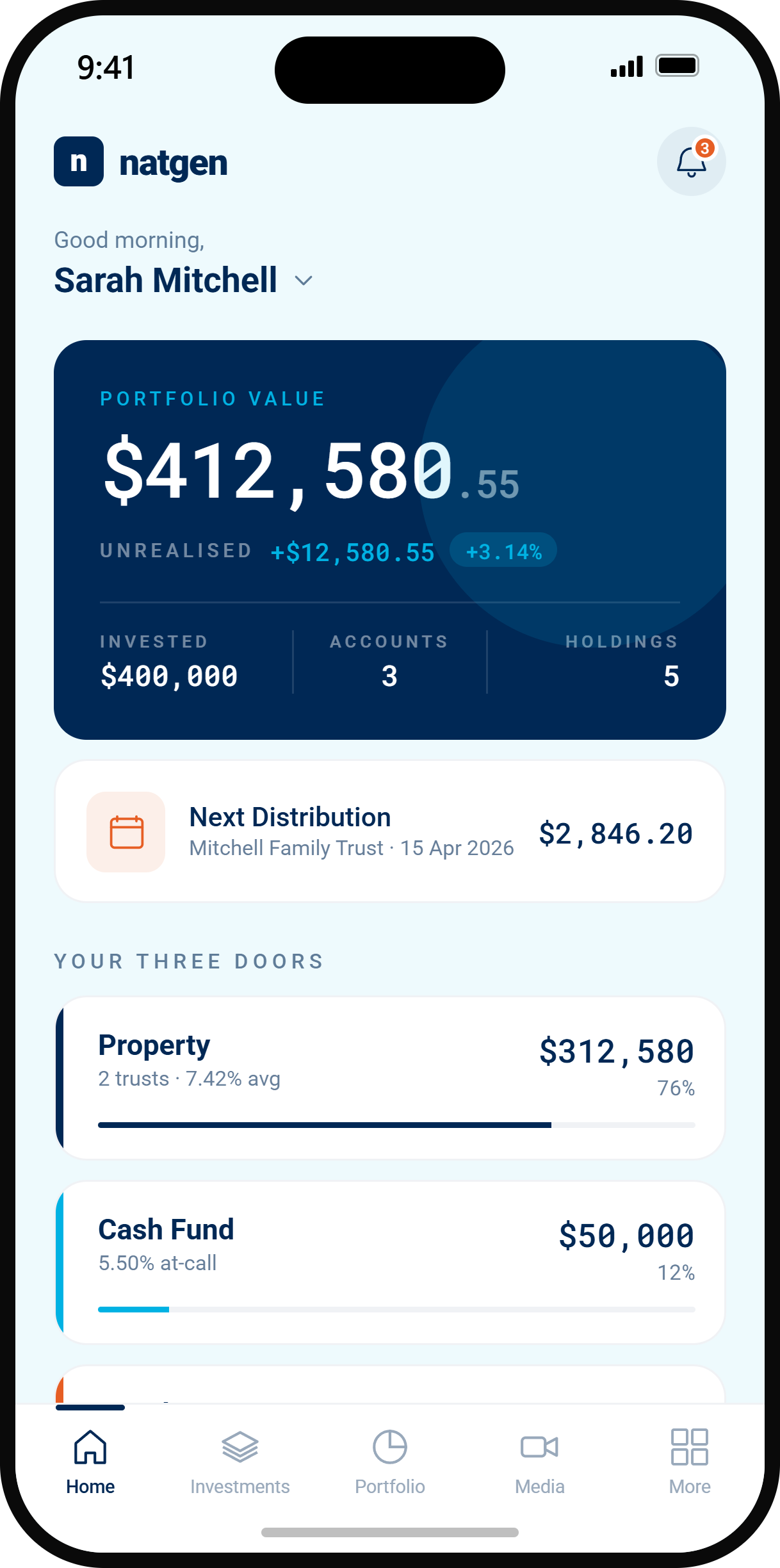
App screens are illustrative. Figures shown are examples only.
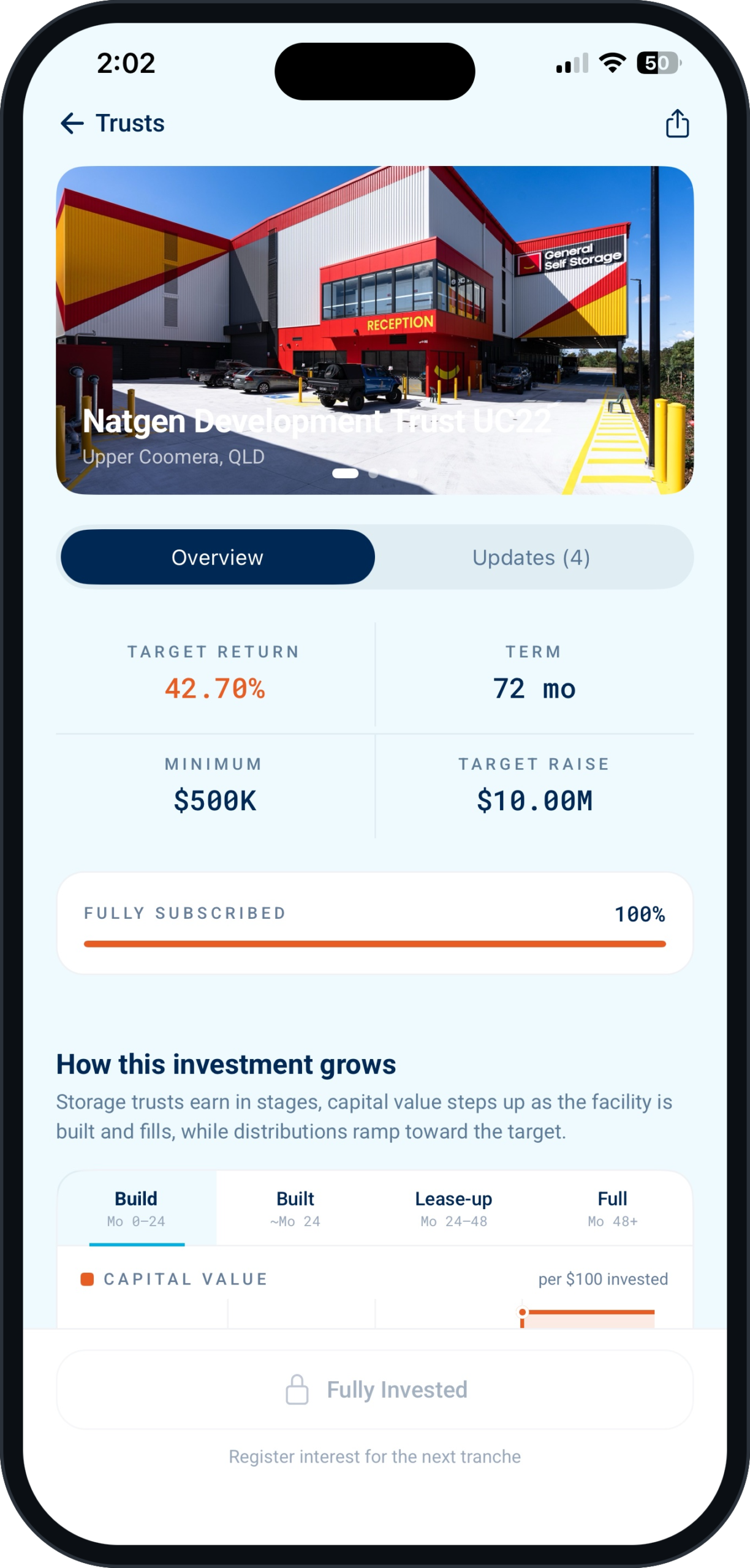
A closer look at the Natgen app
A convenient way to keep up with your investments and the information that matters to you.
Getting started with the Natgen app
If you are a current investor, your login has already been created from the email address we hold for you. If you are new to Natgen, tap Create account in the app.
01 · App Store
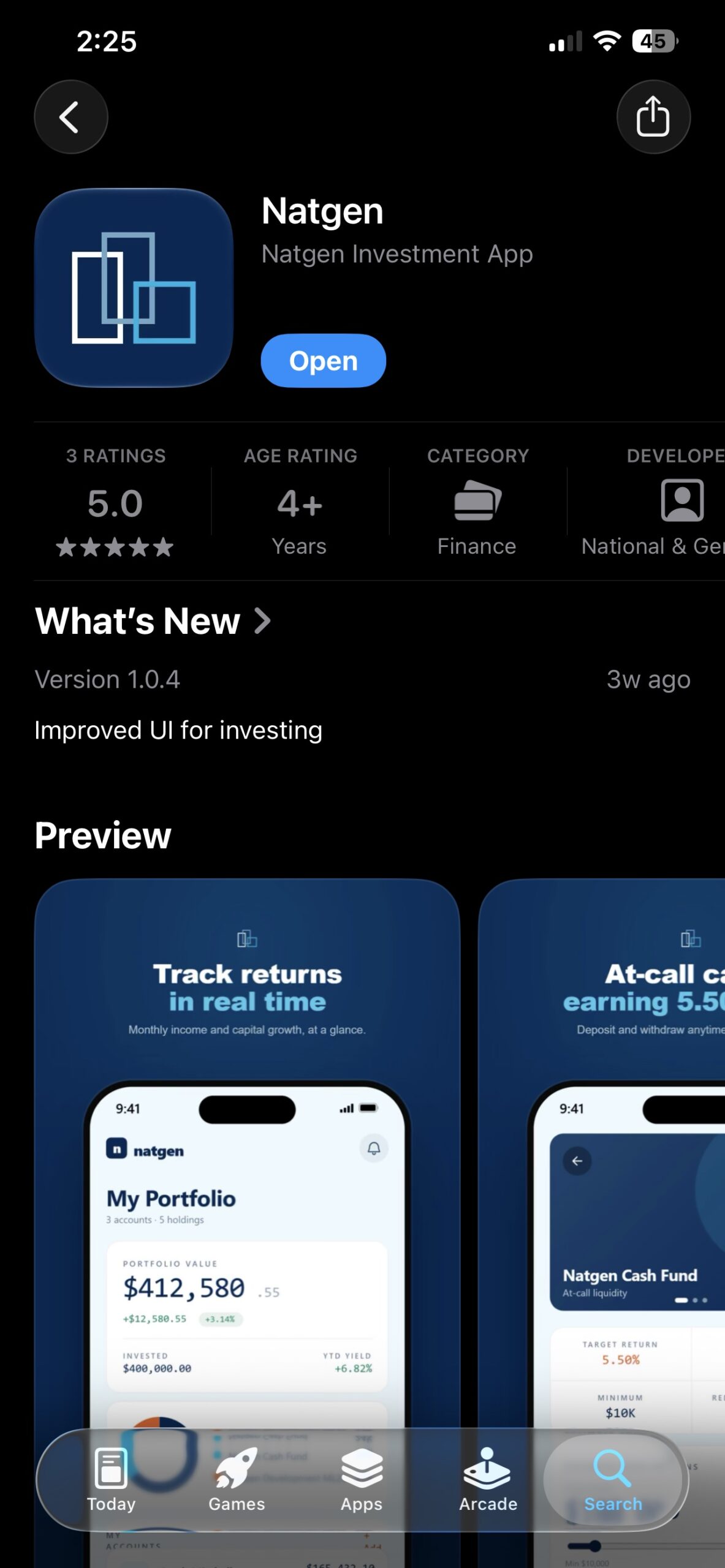
Download the app
Search “Natgen” on the App Store and download the app.
02 · Choose your path
02A
New to Natgen?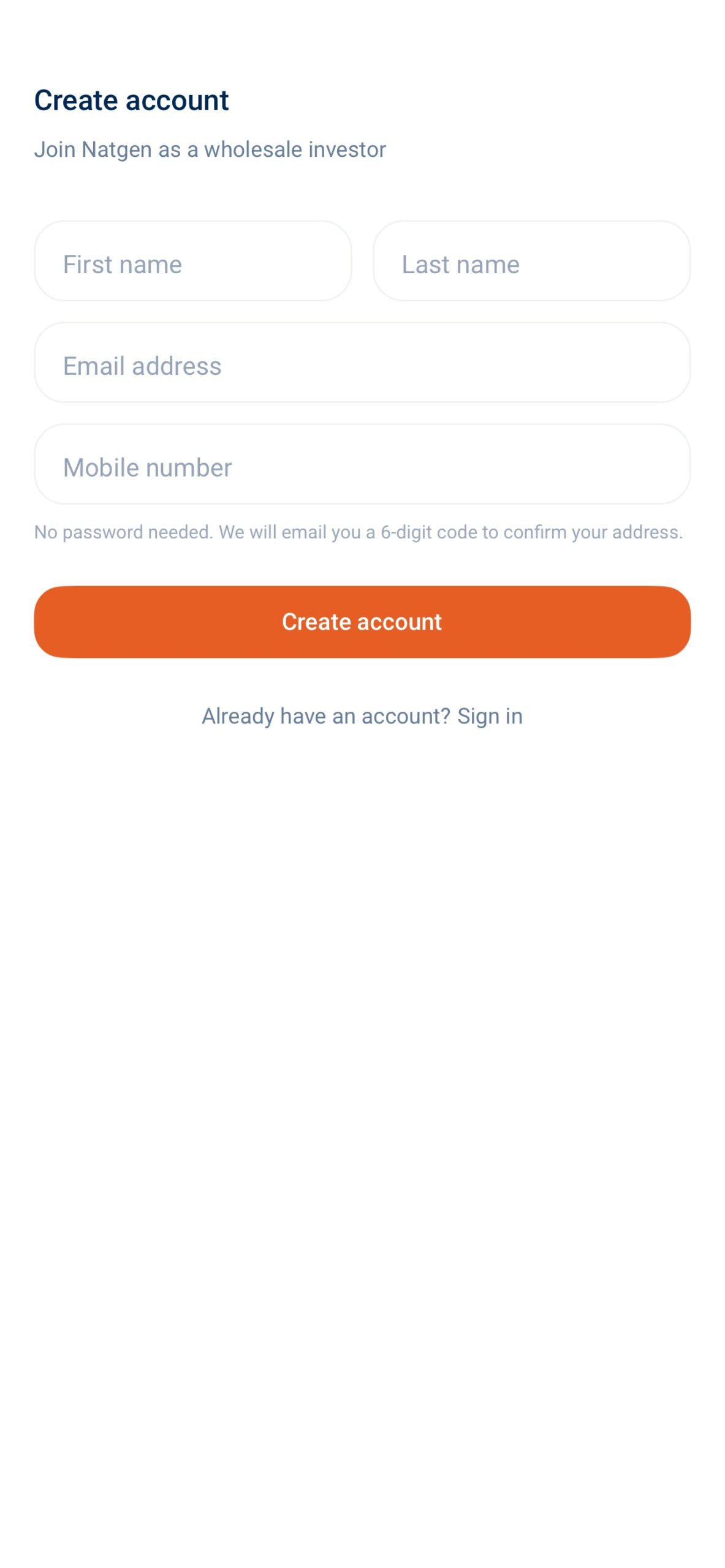
Create an account
Not yet investing with Natgen? Create an account to get started as a wholesale investor.
02B
Already investing with Natgen?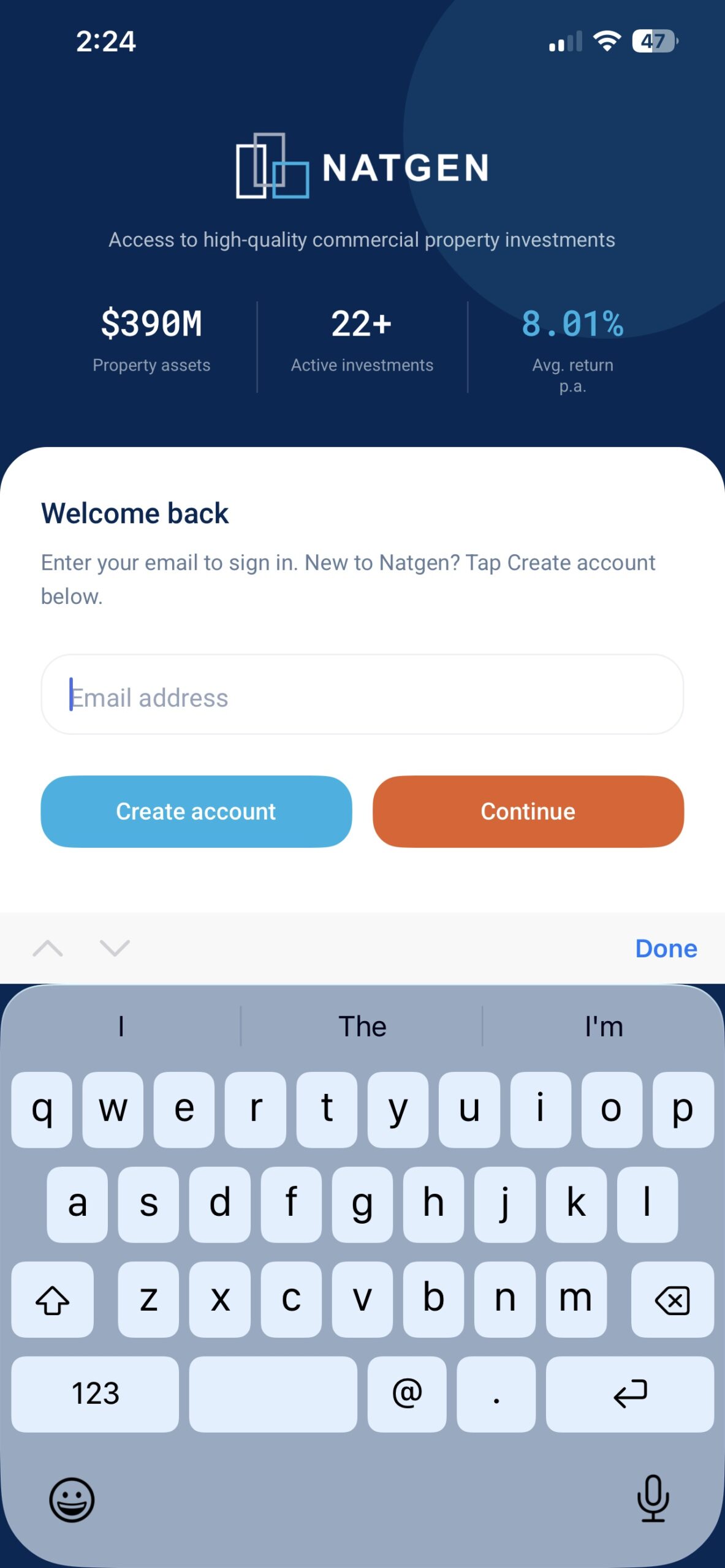
Sign in with your email
Already investing with Natgen? Sign in using the email address linked to your investment. There is no need to create a new account.
03 · Check your email
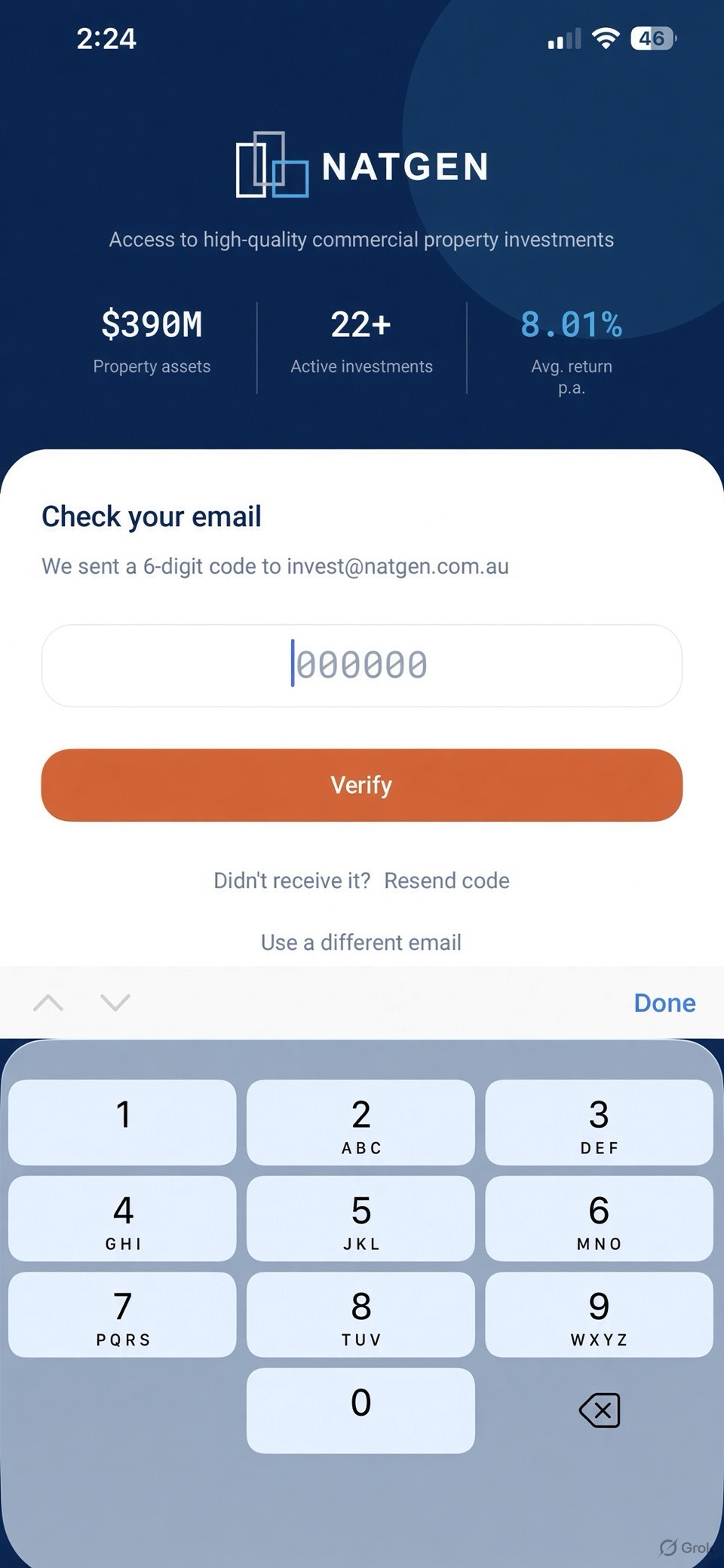
Check your email
Enter the 6-digit verification code sent to your email. You’ll then be asked to choose a 4 to 6 digit PIN. After that, Face ID or Touch ID can be used to sign in.
Download the Natgen app
Available on the Apple App Store. Sign in using the account access instructions provided by Natgen.
Scan with your iPhone to download.
Frequently asked questions
Which email do I sign in with?
The email address Natgen holds for you, the one your statements go to. If you are not sure, call 1300 100 292 and we will check.
I signed in and my portfolio is empty.
Almost always a different email from the one on your investor record. Sign out and try the address your statements arrive at, or call us and we will link it.
Do I need a password?
No. You sign in with a code sent to your email, then set a PIN. Face ID or fingerprint can replace the PIN.
I forgot my PIN.
Enter it wrong five times and the app signs you out. Sign in again with your email and a new code, and you will set a fresh PIN.
Why do I see more than one account?
Each investing entity is its own account: your super fund, a joint holding, a company. Use the switcher at the top of Home to move between them or see everything together.
How often does my balance update?
Every time you open the app. Holdings come from the registry, and the Natgen Cash Fund shows interest accrued to today.
What is the Natgen Cash Fund?
A trust that places funds mostly with APRA-regulated banks. The rate is described as the RBA cash rate plus a margin, interest accrues daily and is credited monthly. Full details are in the Information Memorandum.
When will my Cash Fund deposit show?
The business day the money lands in our account. You receive a notification that day.
How long does a Cash Fund withdrawal take?
We process it the day you request it. The only delay is the bank, one to three days depending on which bank.
Can I withdraw from a trust in the app?
No. Trust units cannot be redeemed before the trust ends. The Natgen Cash Fund can be withdrawn at call.
I applied in the app. When does it show up?
Once we have reviewed the application and your funds have cleared, we allot the units and the holding appears on Home. You receive a notification at each step.
Can I get my tax statement here?
Yes. More, then Documents. Open the statement, tap Save, and send it to your accountant from the share sheet.
Can I share my screen with my accountant or adviser?
Yes. Screenshots and statement downloads are yours to share.
Is my data secure?
The app has been independently penetration tested. Nothing sensitive is stored on the phone beyond your encrypted sign-in.
Is there an Android version?
It is coming. We will email you when it is available.
The writing is too small.
Increase your phone's Text Size under Settings, Accessibility. The app follows it.
For any further assistance, our Investor Relations team can be reached on 1300 100 292 or invest@Natgen.com.au. Help & Support within the app connects you directly to our team.
Contact Investor Relations
Our Investor Relations team can help with questions about accessing the Natgen app.